Support for M2 Pro & M2 Ultra
DisplayBuddy now fully supports M2 Pro and M2 Ultra Macs with DDC display control
We're excited to announce that DisplayBuddy now fully supports the latest M2 Pro and M2 Ultra Macs!
What's New
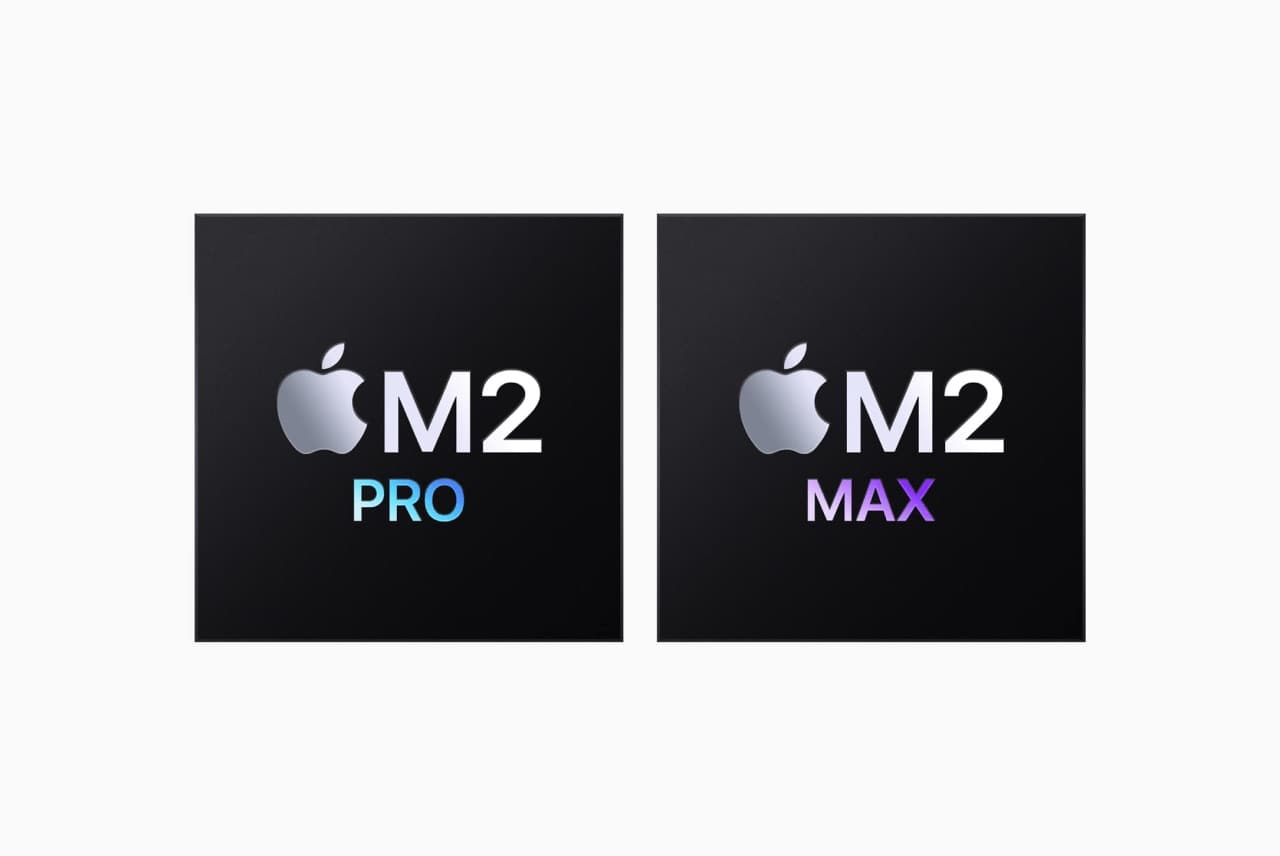
With the release of Apple's M2 Pro and M2 Ultra chips in the new Mac Mini, MacBook Pro, and Mac Studio, we've updated DisplayBuddy to ensure full compatibility.
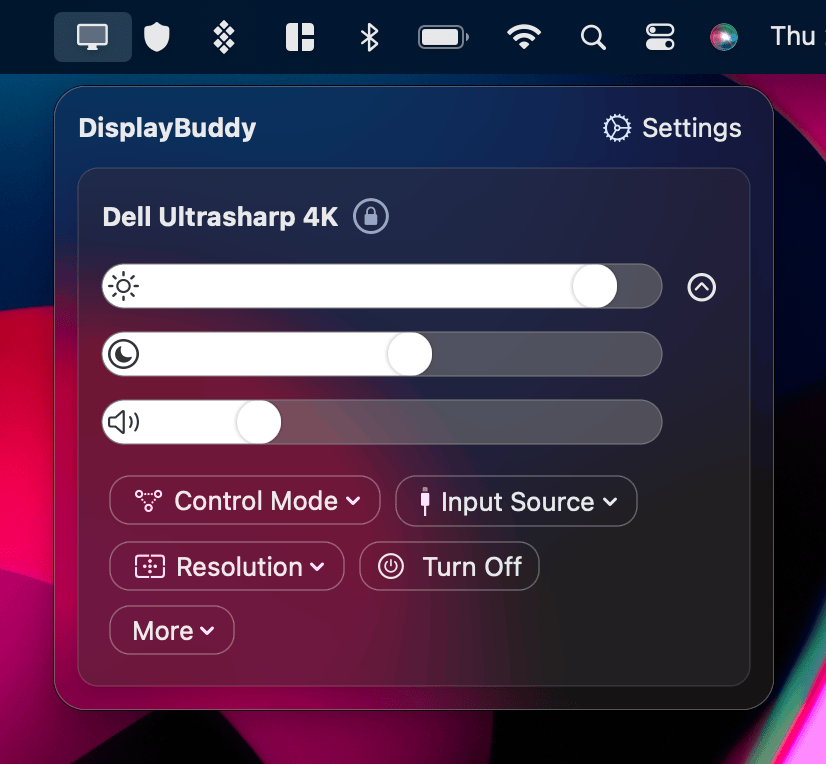
All DDC/CI features work perfectly on these new machines:
- Brightness control - Adjust hardware brightness
- Contrast control - Fine-tune display contrast
- Volume control - Control monitor speakers
- Input source switching - Change inputs on supported monitors
- Keyboard integration - Use brightness and volume keys
Apple Silicon Journey
DisplayBuddy was one of the first display control apps to support Apple Silicon when the M1 launched. We've continued this commitment with:
- ✅ M1
- ✅ M1 Pro
- ✅ M1 Max
- ✅ M1 Ultra
- ✅ M2
- ✅ M2 Pro
- ✅ M2 Max
- ✅ M2 Ultra
- ✅ M3, M3 Pro, M3 Max (when released)
Native Performance
DisplayBuddy is built as a native Apple Silicon app, meaning:
- No Rosetta translation needed
- Faster performance
- Lower power consumption
- Better system integration
How to Update
If you already own DisplayBuddy, simply download the latest version from our website. The update is free for all existing users.
If you're new to DisplayBuddy, you can purchase a lifetime license that covers all your Macs—Intel and Apple Silicon alike.
We're committed to supporting the latest Apple hardware from day one. Enjoy the best display control experience on your new M2 Mac!
DisplayBuddy
for macOS 10.13+
Take control of your monitors
Control brightness, contrast, volume, and much more.
Buy NowLifetime license • 7-day refund on full-price purchases