Announcing DDC Support for Apple Silicon Macs
DisplayBuddy brings full DDC display control to M1 Macs for the first time
Today, we're thrilled to announce that DisplayBuddy now supports DDC display control on Apple Silicon Macs!
This has been one of the most requested features since the M1 was released, and we're proud to be one of the first apps to deliver this functionality.
The Challenge
When Apple released the M1 chip, DDC/CI (Display Data Channel Command Interface) support was initially broken. This meant that controlling external monitor brightness, contrast, and volume through software wasn't possible.
Our team spent months working on a solution, reverse-engineering the new hardware interfaces and developing a reliable communication method.
What This Means for You
If you have an M1 Mac (MacBook Air, MacBook Pro, Mac Mini, or iMac), you can now:
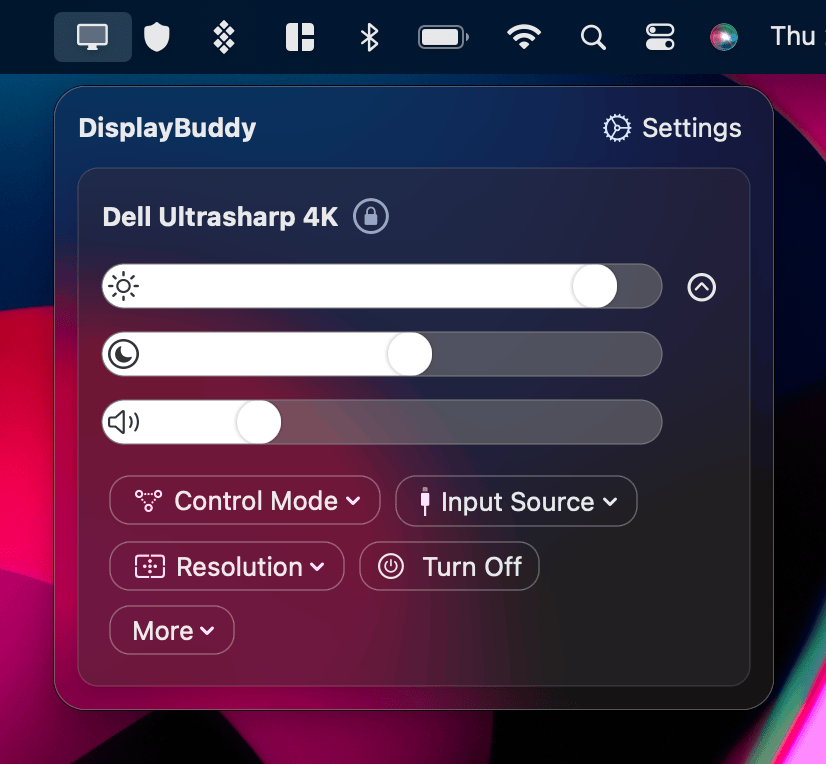
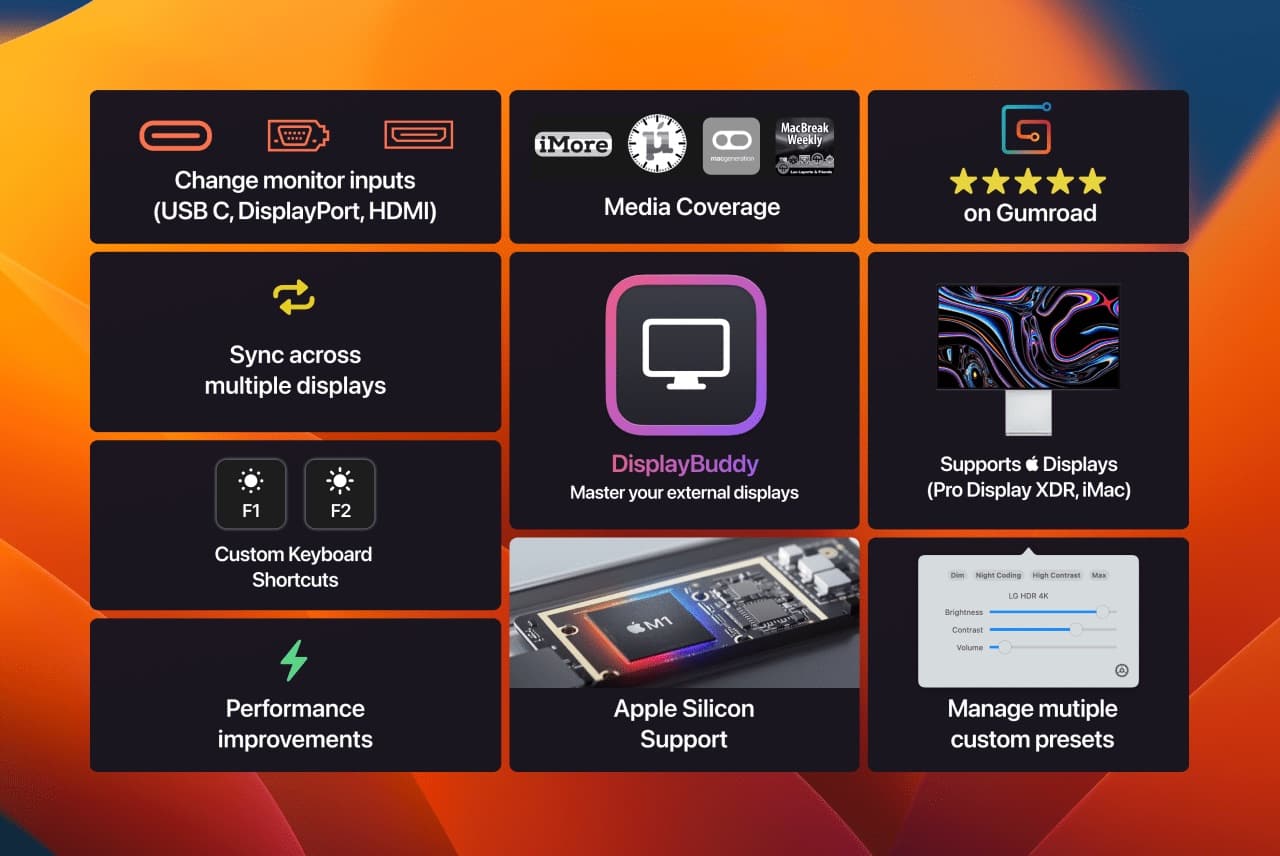
- ✅ Control brightness on external monitors
- ✅ Adjust contrast for better visibility
- ✅ Change volume on monitors with speakers
- ✅ Switch input sources on supported displays
- ✅ Use keyboard brightness keys to adjust monitor brightness
- ✅ Sync brightness across multiple displays
Supported Hardware
This update supports:
- M1 MacBook Air
- M1 MacBook Pro (13-inch)
- M1 Mac Mini
- M1 iMac
And works with virtually all external monitors that support DDC/CI.
Getting Started
- Download the latest version of DisplayBuddy
- Connect your external monitor
- Open DisplayBuddy—your monitor should be detected automatically
- Start controlling your display!
A Note on Compatibility
While DDC support on Apple Silicon is now working, some monitor/cable combinations may have limitations. USB-C to HDMI adapters generally work best. If you experience issues, our support team is ready to help.
This release represents months of dedicated work, and we're excited to finally bring full display control to the Apple Silicon era. Thank you for your patience and support!
DisplayBuddy
for macOS 10.13+
Take control of your monitors
Control brightness, contrast, volume, and much more.
Buy NowLifetime license • 7-day refund on full-price purchases